 Notify Me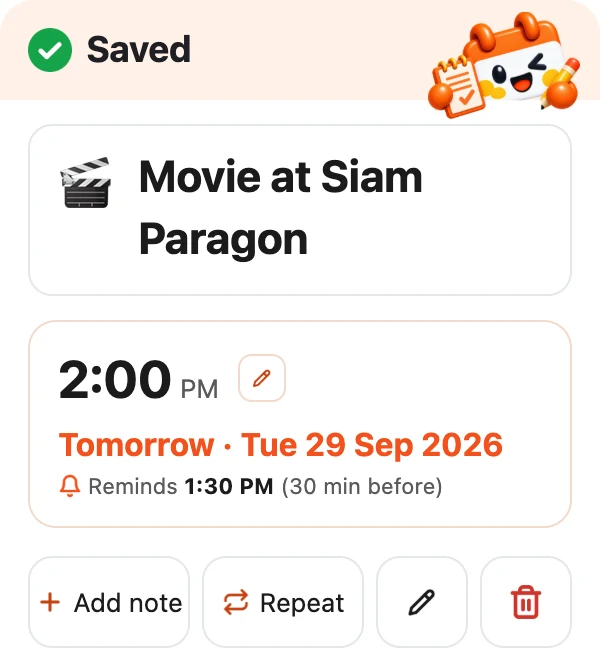

Three steps
No sign-up, no forms: add the friend and start typing
Add the LINE friend
Tap “Add friend” or scan the QR code on this page

Type your plan
Say the day, the time and what to do, in everyday words
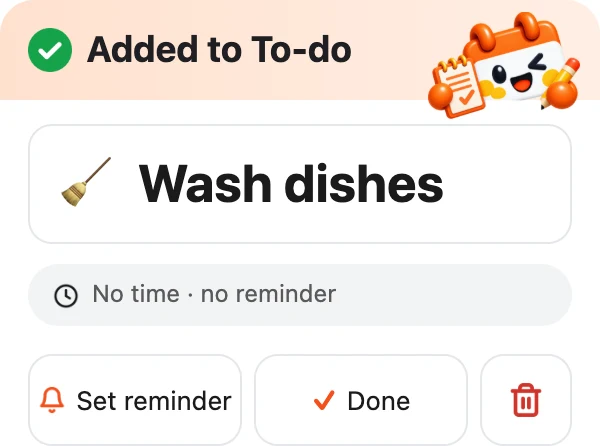
Internet 599 baht on the 5th every monthWash the dishes
Get reminded
We message you 30 minutes before; snooze or get reminded again once
Everything you need to remember
From important appointments and monthly bills to chores for later
Reminded in time
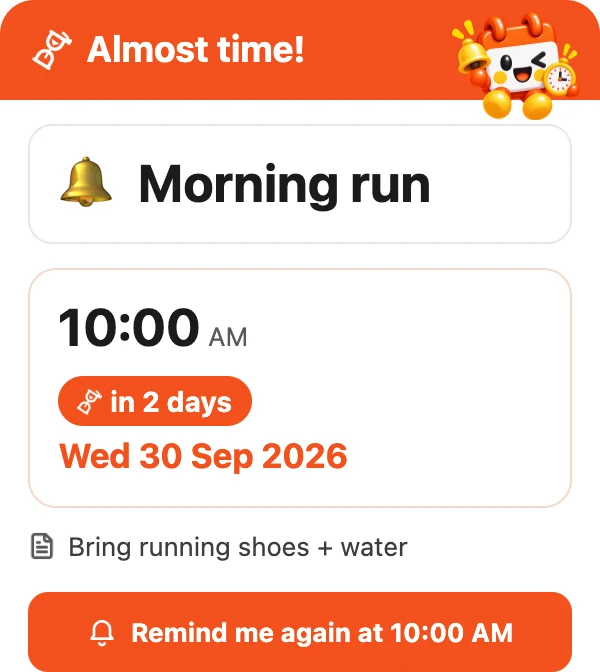
30 minutes before by default; change it, and tap “Remind me again” once
Recurring reminders
Bills, subscriptions, rent: daily, weekly or monthly, with a monthly total
“To-do”
Things without a time yet: note them now, set a reminder or tick them off later
“Today’s list”
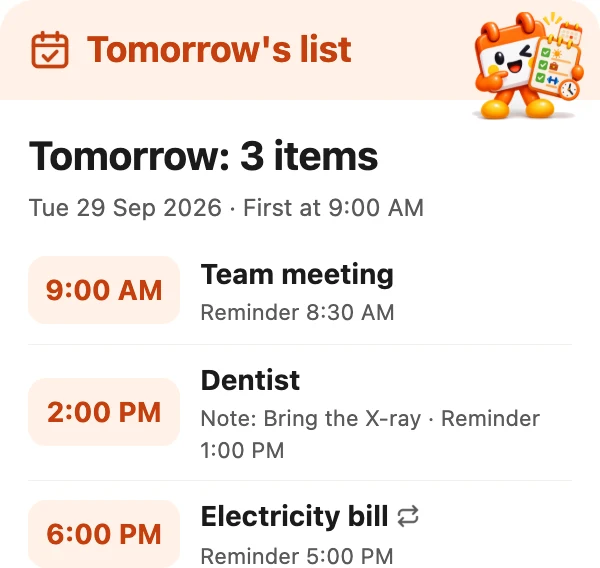
Every morning at 07:00 the day’s list; ask for yesterday, today or tomorrow any time
Everything on the web
Calendar, reminders, notes and expenses, and export to PDF or Excel
Google Calendar
If you choose: your plans go to the app’s own calendar; your other calendars are never touched

Your data is yours
- Only you can see it
- We never sell it or use it for ads
- Delete all of it yourself any time
- Google Calendar: only the app’s own calendar
FAQ
Does it cost anything?
It’s free: add the LINE friend and start right away
Do I need to install an app?
No. Everything is in LINE and in the web page opened from the chat menu
What if I mistype, or it gets it wrong?
Every time it saves something it sends you a card to check: fix the time, the name or delete it right there
How do I delete my data?
Open Settings and tap “Delete my data”: everything of yours is deleted at once

Stop trying to remember it all
Add the friend and type your first plan
Add friend · it’s free